
Hi,
Could you add a way to set the NTP server we want to use instead of cn.pool.ntp.org and pool.ntp.org?
Best regards,
Thank you for the suggestion! Currently the NTP server is hardcoded...
Hi Kal42,
Thank you for this suggestion! You're right that having the ability to configure a custom NTP server would be useful, especially for users in regions where the default NTP servers (cn.pool.ntp.org and pool.ntp.org) may have higher latency or connectivity issues.
Here's what you can do in the meantime:
- For WEM3080/WEM3050T: The device connects to the default NTP servers automatically. If you have a local NTP server on your network, you can sometimes configure this at the router level to redirect NTP requests.
- Firmware updates: IAMMETER periodically releases firmware updates that may include improvements to network time synchronization. Make sure your device is running the latest firmware.
If custom NTP configuration is important for your use case, I'd recommend posting this as a feature request on the IAMMETER feedback page as well, where the product team can track demand for this feature.
Is there a specific NTP server you'd like to use? I may be able to suggest workarounds depending on your setup.
Best regards!

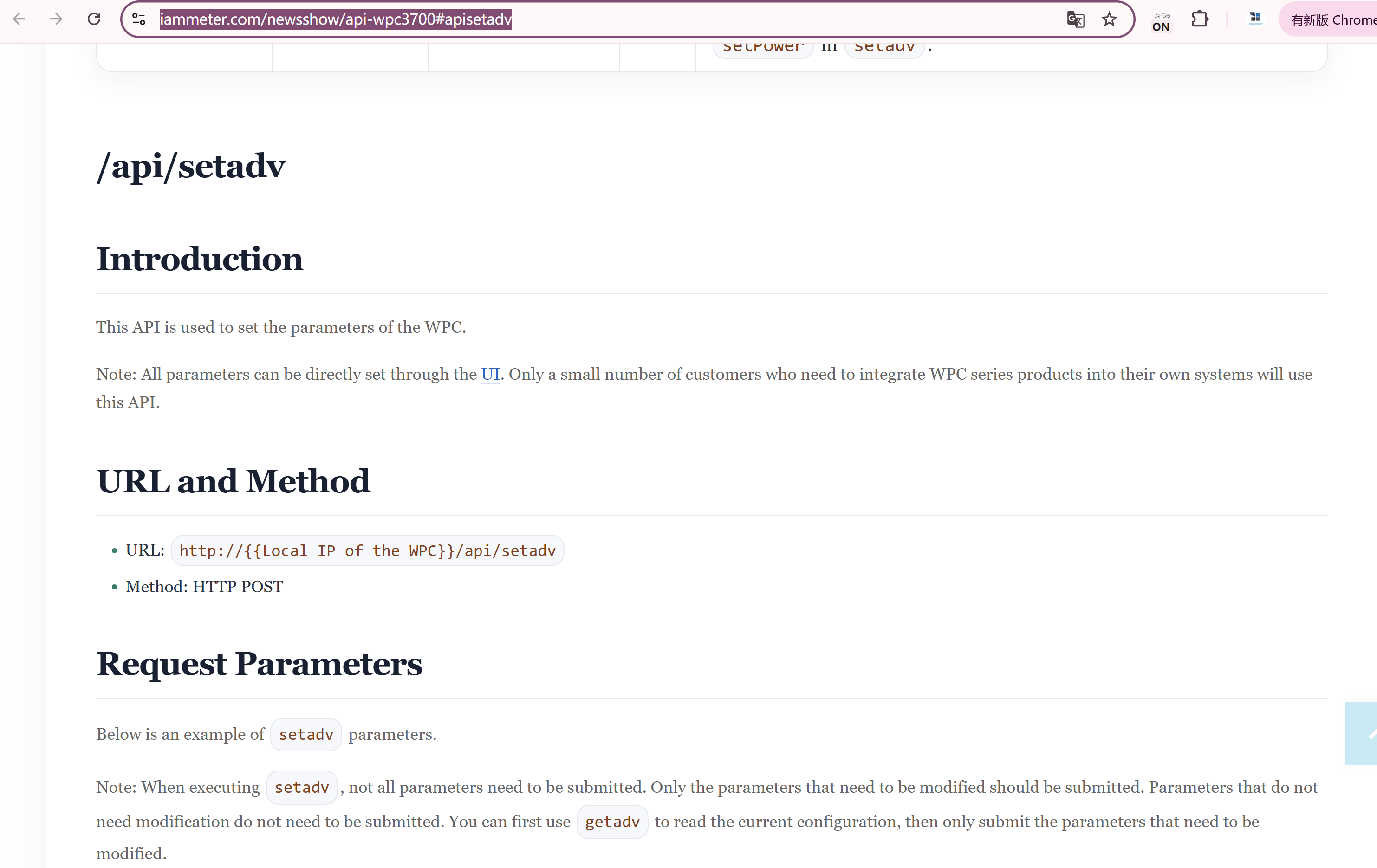
Please try this api
https://www.iammeter.com/newsshow/api-wpc3700#apisetadv
only need to set the ntp server by this key value pair
{ "ntpServer": "xxx",}
Hi,
I have WEM3080/WEM3080T/WEM3050T devices, and there is currently no NTP option in the configuration.
I am using the latest version.
Also, the feedback page returns a 404 Not Found error.
Best regards
Hi,
In my opinion, the ntp time is only used in WPC3700 do offer the timing for automation.
The NTP time function is no used in any meter models now.
As both WPC3700 and meters use the same firmware version, considering the upcoming possbile upgrading, the NTP timing set code is also not limited in meters.
Please help me confirm such questions below
1 how do you know there is a NTP function in Meters?
2 how do you plan to use such NTP time in Meters?
In additon , please let me know which page is 404,
I visit https://www.iammeter.com/newsshow/api-wpc3700#apisetadv and confirm this page is accesible, please press ctrl + F5 to force a refresh.
I am using the latest version.Also, the feedback page returns a 404 Not Found error.
Best regards
Hi,
My firewall is listing all the conection, so i am sure the meter are doing ntp.
The meter are displaying the date/time on the default page. And I am pretty sure you need correct time to connect to wifi and also for ssl. I just want to be able to set a ntp near me instead of going all around the world.
The 404 : https://www.iammeter.com/feedback
Getadv does not list ntp, are you sure it will work ? I am on version : i.91.063T2
Best regards,
OK, got it .
Thanks for your clarification.
I think it would be supported in postadv in energy meter, but I will confirm it next week and post the result here.
I think the time on local web seem be from the js code ,not the ntp. I will also confirm this next week.
"The 404 : https://www.iammeter.com/feedback" this is not a correct page, please let me know where is this page listed.
Hi,
I confirm the code run in this way.
The NTP is initialed in both WPC3700 and all types of Energy meters.
The api of set NTP server is enabled in WPC3700 but disable in energy meters.
So we will do such operations in next upgrading.
remove the NTP in the firmware of energy meters.
or
open the ntp setting in energy meters if we can find some useful NTP features in energy meters
It's in the second message from miwyfcom
I think second option is better, to avoid issue with TLS/Wifi.
open the ntp setting in energy meters if we can find some useful NTP features in energy meters