
Can not upgrade 3080T
Hello, I am trying to upgrade the firmware on a 3080T and I can not.
I am attaching a screenshot of the settings page.
Any suggestions?
Thank you in advance!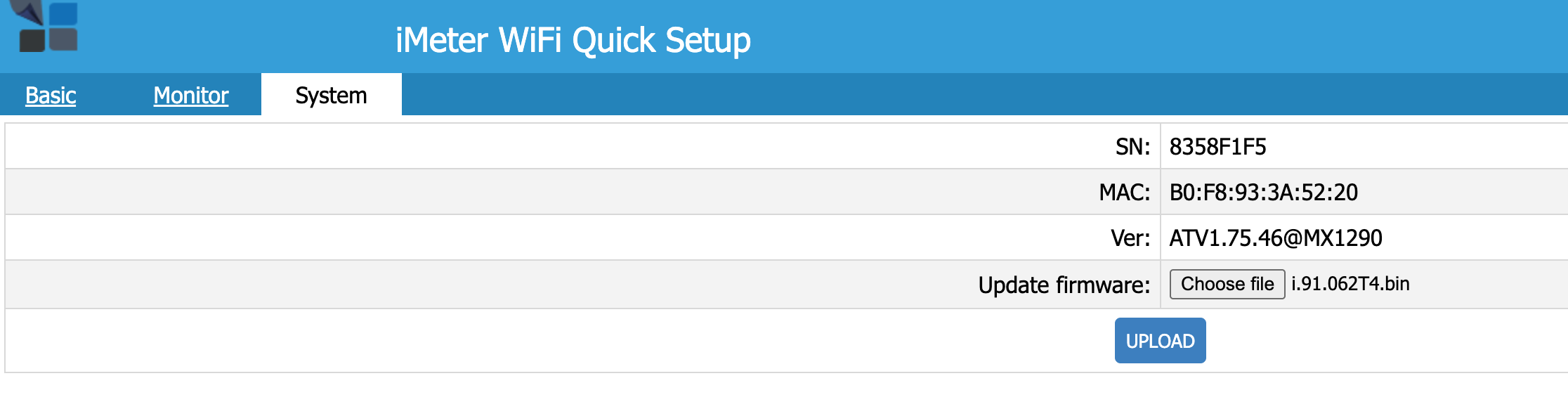

Hello again and thanks for the fast reply!
I think that the problem is in the hardware bacause:
1) It does not save the wifi password and the SSID ( i have other two meters the same as this and when I set the wifi on the others they reply "success") this meter does not gives a response.
2) wifi for the settings (access point mode) is not stable, it disconnects in random time intervals.
3) does not accept firmware upgrade (if wifi remains stable for the time needed to do it), i do not get any success message and the firmware version remains the same)
on the other hand when I see the reading of voltage and current on the settings page, I can see that it measures everything write but it cannot send it to cloud for the mentioned reasons.
thanks again
I manage to get response : "firmware update success" but the version remains the same, it did not change the firmware again.

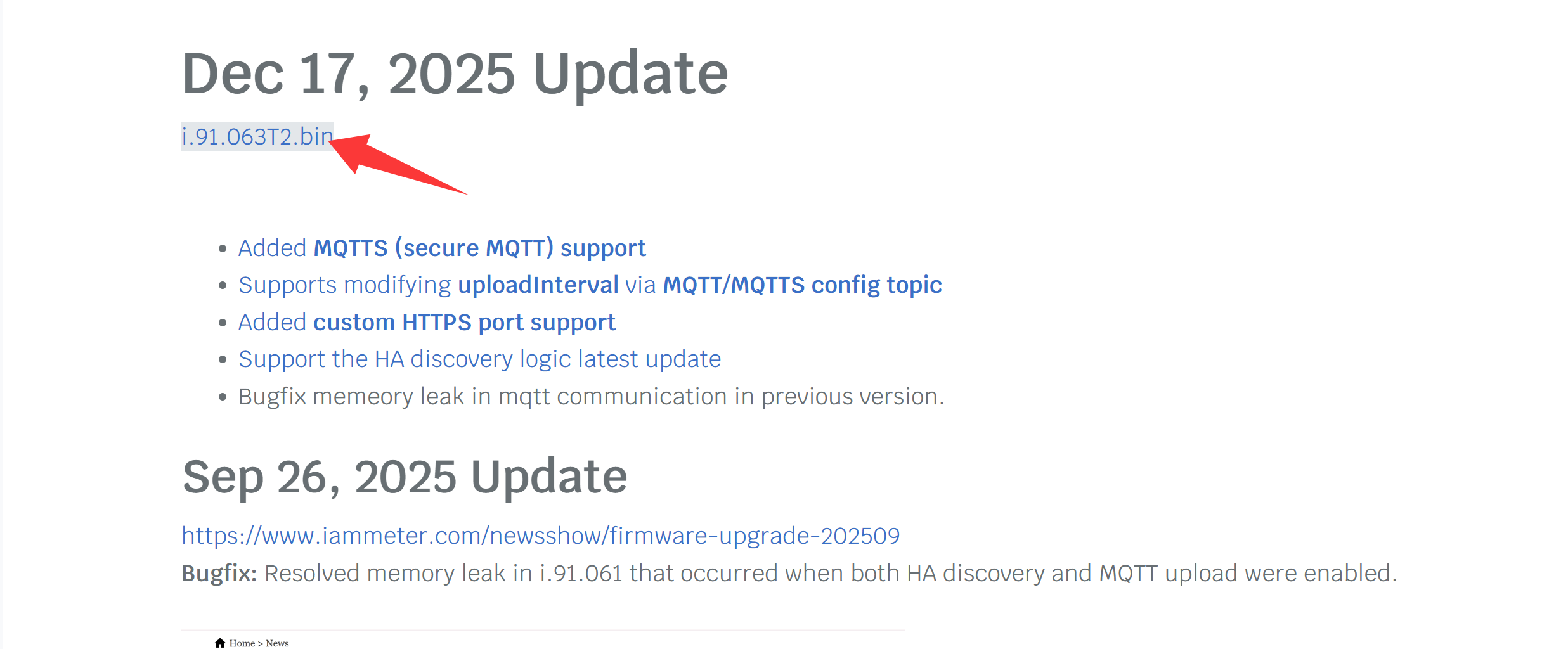
You can first change the runmode to cloud, then upgrade to version i.76.058.8.bin. If successful, then upgrade to i.91.063T2.bin (note that after successfully upgrading to i.91.xx, you need to reconfigure the network).
I tried two times to update to i.76 , I get "update firmware success" but it did not actually update, I get again the ATV1.75.46@MX1290
Sorry ,this version is earlier than 2021, so we also do not know why it can not upgrade the firmware.
In addition ,as the hardware is also too earlier, so all of the latest functions are not supported by the metering module(Ex:NEM, reactive power measurement etc..)
The worst is it also not brick protect function in upgrading in this version.
It will be bricked if there is abnormal in upgarding, such as close the browser or power off the meter.
So I recommend if you have tried many times and it still can not be sucessful, please keep use the current firmware .
Hello again,
The problem with the meter is that is not store the wifi SSID and password and therefor is not connecting to the Internet, that is why I wanted upgrade the firmware, no other reason.
Thats why I wrote from the beginning, if there is a hardware problem.
Probably Wifi module problem, because the wifi is unstable even now on the iameter settings page. It keeps disconnecting from 3 secs to 2 mins at random. Before some time the meter worked just fine.
Is there any way to change the hardware or replace the iameter?
Thank you.
Hi,
"The problem with the meter is that is not store the wifi SSID and password and therefor is not connecting to the Internet, that is why I wanted upgrade the firmware, no other reason.”
This issue indeed happen in the very earlier version ,in a very low possibility. And It indeed can be fixed by the firmware upgrading.
Since you meet such issue, let us try to upgrade the firmware (upgrade from the old to at beginning)
"Probably Wifi module problem, because the wifi is unstable even now on the iameter settings page. "
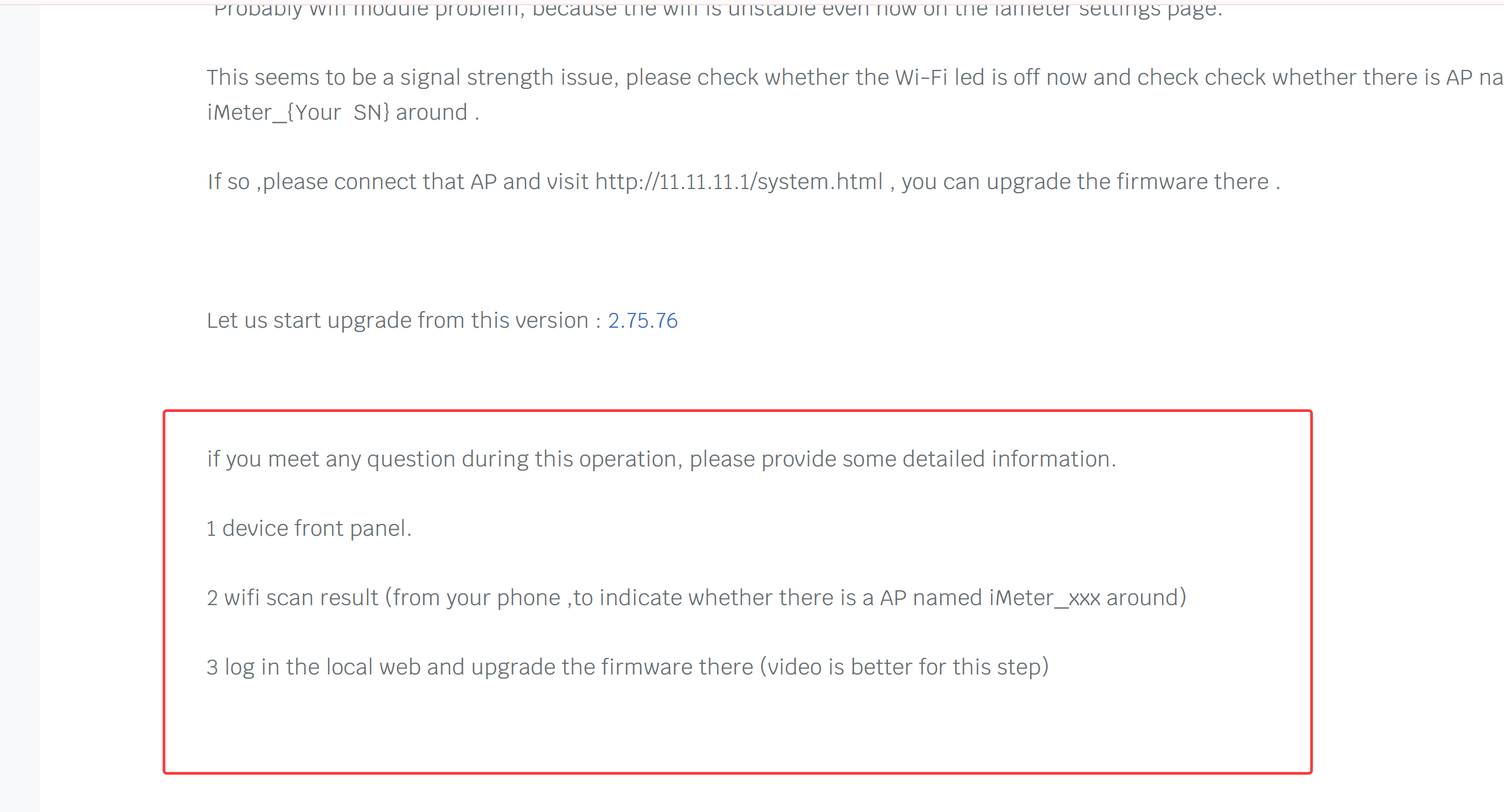
This seems to be a signal strength issue, please check whether the Wi-Fi led is off now and check check whether there is AP named iMeter_{Your SN} around .
If so ,please connect that AP and visit http://11.11.11.1/system.html , you can upgrade the firmware there .
Let us start upgrade from this version : 2.75.76
if you meet any question during this operation, please provide some detailed information.
1 device front panel.
2 wifi scan result (from your phone ,to indicate whether there is a AP named iMeter_xxx around)
3 log in the local web and upgrade the firmware there (video is better for this step)
Hello,
Yes I am getting the right name on the SSID of the meter.
I tried to update to the firmware that you indicated, i get again the same message " Firmware upgrade success" but the firmware is still the same.
Maybe try older firmware?
It seem to me that it can not accept any firmware....
Thanks
Hi,
we have not met this issue you encountered. So we need more information to judge the reason.
By the way, as you said"The problem with the meter is that is not store the wifi SSID and password and therefor is not connecting to the Internet, that is why I wanted upgrade the firmware, no other reason"
Please let me know ,whether the wifi credentials change to the default setting when it is not connecting to the internet?
In addition ,please provide the wifi signal strength value of this device when it is normal.