
WiFi Failure on Firmware i.91.063.bin after enabling MQTTS
Hi,
I uploaded i.91.063.bin after confirming the hash and allowed the meter to reboot.
I was previously running i.91.062T4.bin with
- modbus connected to HA IamMeter Modbus integration.
- MQTT
- WiFi connected to WPA2 PSK
It rebooted successfully.
IamMeter Modbus came up succesfully after the upgrade (after some error messages logged by the integration during the upgrade due to timeouts.
After confirming that it was working, I then went to change the settings from mqtt to mqtts.
I applied the new settings: mqtts://mqtts.my-mqtts.server:8883 and re-entered the password field in the mqtt settings page.
The device rebooted, but the WiFi LED didn't come up on reboot.
The meter didn't connect to WiFi, nor did its own iMeter_xxxxxxx WiFi hotspot come up.
I have power cycled the device twice.
Once, powering off for 30 seconds.
A second time, powering off for about five minutes.
The WiFi light on the unit doesn't light up after powering up the device.
The unit appears to be stuck in a boot loop. The Red REV LED come on and stays on. The Green RUN Led comes on, and stays on, but flashes off quickly in a sixteen second loop.
Is there any way to factory reset the unit?
3.5 MB video of suspected boot loop (just the flashing of the Power LED) available here https://www.transfernow.net/dl/20251225A4XACMnL for the next seven days.
Thanks
BJReplay

Turn off the Wi-Fi router, then power on the WEM3050T. Try this and see if its own iMeter_xxxxxxx Wi-Fi hotspot appears.

Hi,
1 we need a longer video (around 20s).
we want to confirm the Run led status, whether it flashs every 1 second during some times.
2 do you mean you have do such operations
power down the router
power down the meter
power up the meter
and then the AP iMeter_xxx still do not appear?
1 - I will capture a longer video tomorrow.
2 - I turned off all WiFi on all Routers - so the WiFi SSID that the meter used to be connected to was no longer broadcasting.
I then powered off the meter, and powered it back on, again.
Using my phone, I checked for the imeter wifi hotspot, but it wasn't visible.
Others devices had started broadcasting their own hotspots since the routers wifi was off (e.g. Google Nest for example).
Here is the longer video, including power up, with all routers powered off.
https://www.transfernow.net/dl/20251225Gox4QwcV
The meter did not start its imeter_Xxxxxx access point
I have a spare meter.
Should I get it installed?
Is there any way to factory reset the failing meter?
Is there any more diagnostics that I can do for you?
I read your topic again,
The upgrade had been successful (the meter had connected to the router sucessfully and the HA had requested data from mosbus/tcp sucessfully), but after you tried swithch to mqtts, this problem happen, yes?
If so ,please have this try again.
1 Keep the router running.
2 stop the modubs/tcp request
3 stop the mqtt broker
4 reboot the meter, and take a video around 20 seconds.
If these steps can not resume the meter, please install your spare meter temporarily and detach this meter.
At that time , we will want to get this meter back for further analysis .Of couse ,we will offer a WEM3050T to you as replacement.
If possible ,please provide us a username and pwd of you mqtt broker for testing (email: [email protected]).
We want to repeat all your operation step by step and check whether this issue will happen.
About to try as instructed.
Before I do:
I noticed that the MQTT device in HA had reported the successfully updated the firmware after the upgrade first reboot, before I attempted to use mqqts.
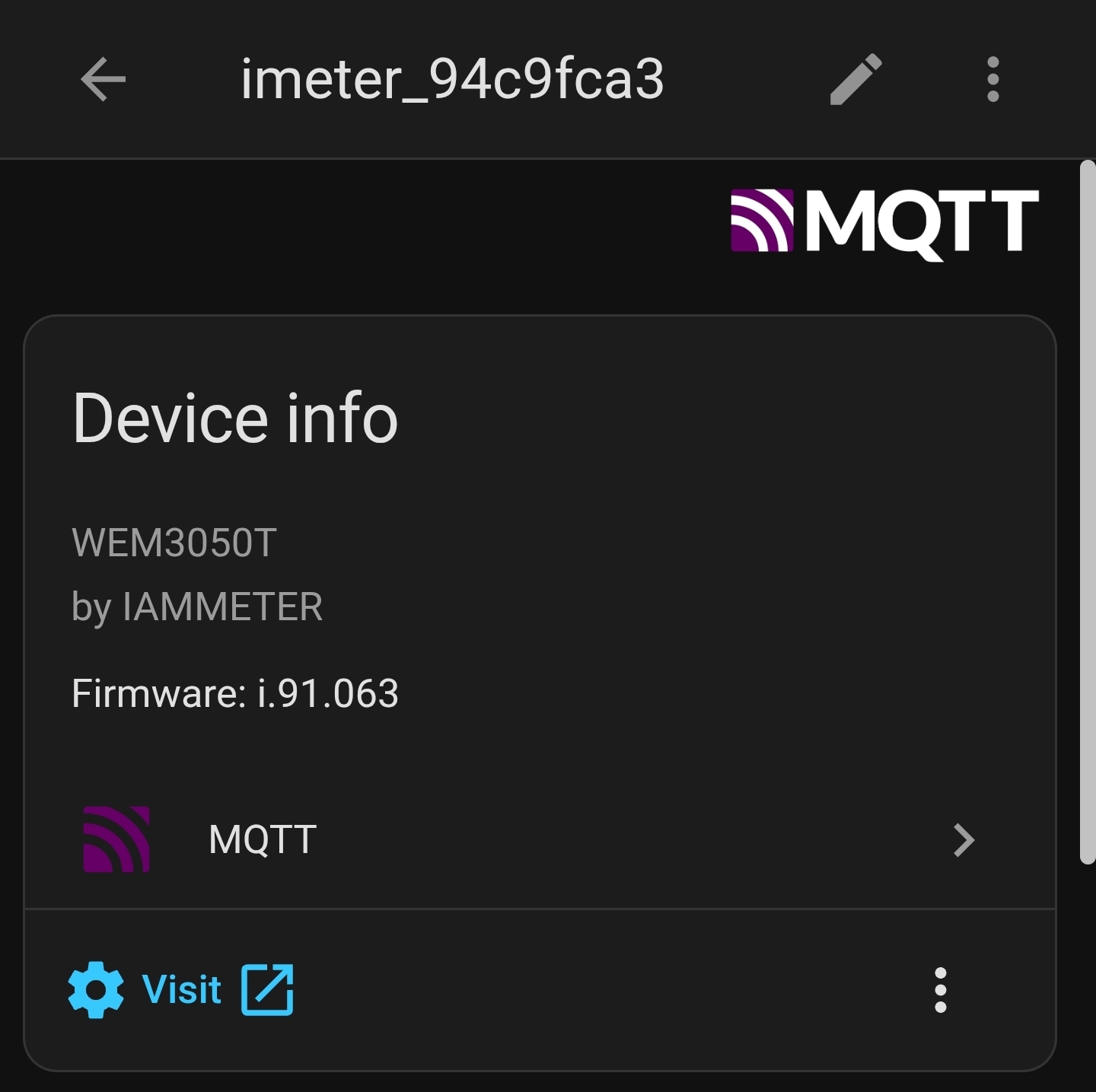
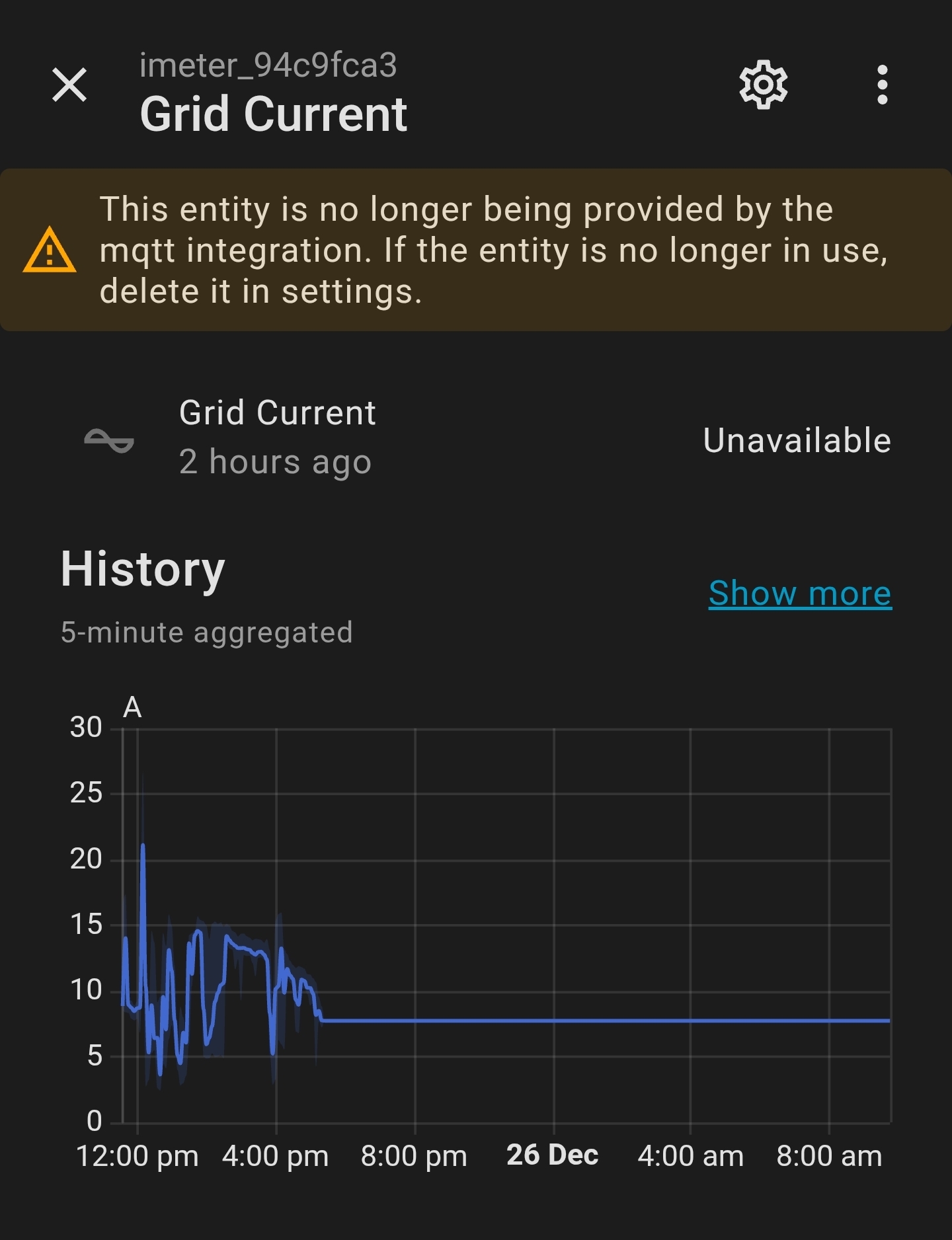
You can see where the readings stopped after the attempt to change to mqtts, and then the sensors all went unavailable as I restarted the MQTT broker two hours ago
Here's the video of the test you requested:
- Stop Modbus polling
- Stop MQTT broker
- Leave router enabled
- Power down and power up meter
https://www.transfernow.net/dl/20251226c6DixOQj
The meter did not reconnect to wifi or enable its own access point.
Have you rememeber some extra setting? we want to triger the same issue in our lab but still not succeed
such as what is the upload interval have you set?
I can confirm that I (unfortunately) have reproduced the error with the replacement WEM3050T that you sent me a while back, which I just installed.
Here is the sequence of events:
- Disabled and uninstalled the HA Iammeter Modbus integration.
- Installed the meter.
- Pre-allocated a DHCP lease for the MAC address printed on the stick on the side of the meter so I knew what IP address it would come up as.
- Connected to the iMeter_L5953UJW access point
- Went to http://11.11.11.1
- Configured the Wi-Fi to my local router and left the meter in cloud mode (serial L5953UJW) and turned on reactive energy (but left Net metering off).
- Allowed the meter to reboot.
- Checked the firmware - it was pretty early (no system.html page, so I had to enter it into the browser to update).
- Updated directly to i.91.063.bin and allowed the meter to reboot.
- Knew the meter would lose its access to Wi-Fi, so waited until the iMeter_L5953UJW access point re-appeared, and connected to http://11.11.11.1
- Set the Wi-Fi back up again and allowed the meter to reboot.
- Connected back to the local IP address, and changed the configuration to:
- mqtt (note I did not choose mqtts as I just wanted to get up and running).
- mqtt://mqtt.mylocalserver:1833
- username: iammeter
- password: specifiedpassword (16 characters, mixed case, no special characters, first character alphabetic)
- update interval: 5 seconds (from memory, my previous update interval was probably 6 seconds or 10 seconds) - I was using Modbus for faster updates)
- reactive: checked on
- net metering: checked off
The meter failed to come back up on Wi-Fi and failed to bring up its Wi-Fi access point.
Note that I'm connected to WPA2, and did not enable https or mqtts.
At a guess, it is Reactive and mqtt that kills Wi-Fi on this firmware.
Do you mean ,
no modbus/tcp request
no mqtts
only mqtt+reactive that trigger this issue from your side?
But how to explain this pic? This pics indicate the mqtt work normal after upgrading, yes?
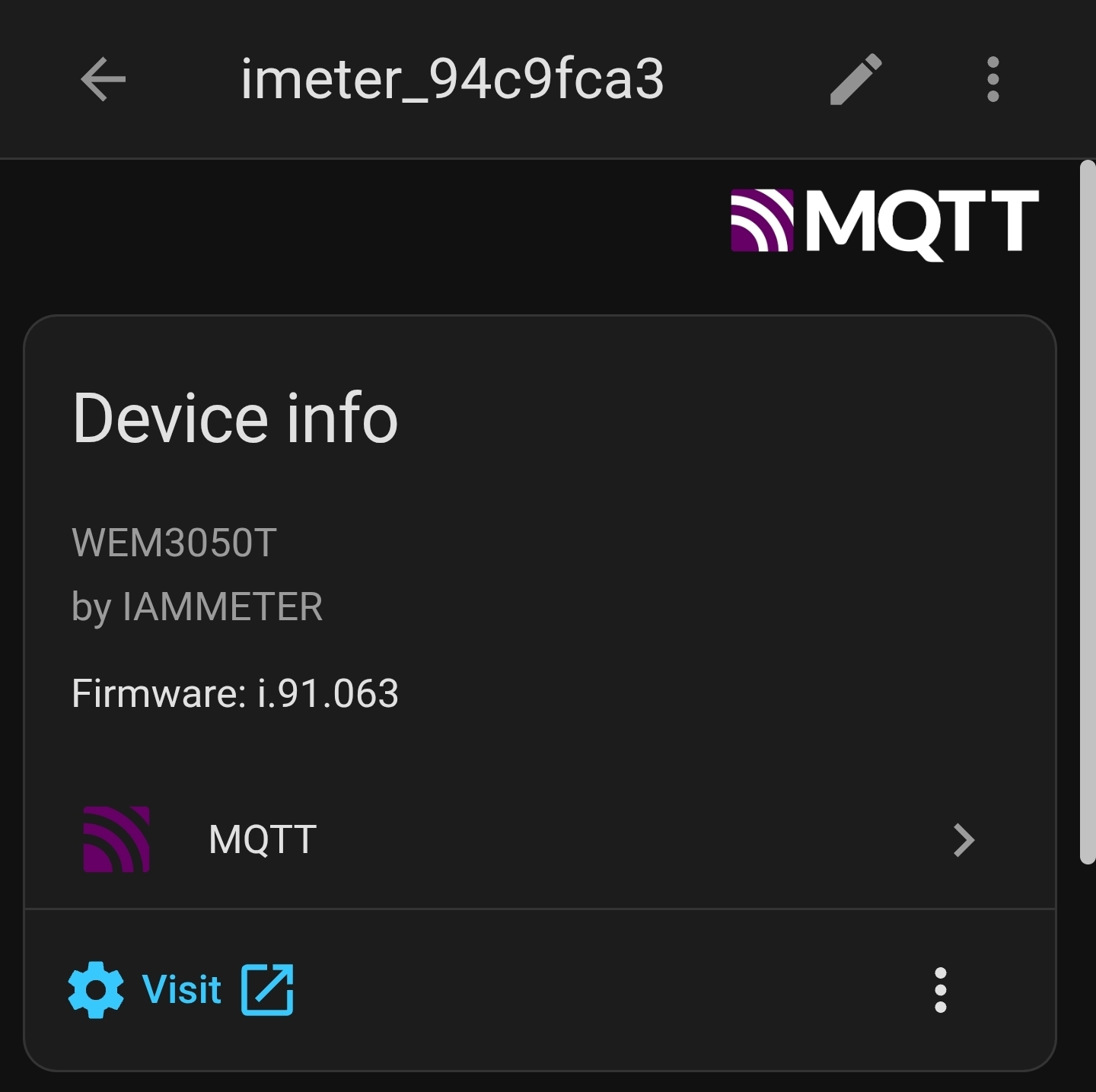
Yes:
No Modbus
No mqtts
I don't know why it came up the first time - perhaps my upload interval had defaulted back to 60 seconds after the upgrade to the firmware.
Maybe it is a combination of settings that causes the problem - perhaps the Wi-Fi SSID, Password, Update frequency.
The second meter L5953UJW never sent any messages to the MQTT broker.
Please let me know what is the mqtt broker you have used.
Can we also visit your mqtt broker by the meter in our lab?
If so, please email us ,and we will provide a meter`s local page by FRP to you and please set it as what you have set before.
Then we can view the log and find out the reason easily.
But the premise is the energy meter in our lab can connect to your mqtt broker.
I am using the home assistant add-on: https://github.com/home-assistant/addons/tree/master/mosquitto
I will email a userID and password to the email address you previously provided shortly, once I have:
- opened the broker up to the outside world (it is currently firewalled)
- Set up a userid and password
This will take a little time to set up - please stand by for me to set up and confirm that it is reachable.
I have set up split DNS and opened the firewall.
I have emailed details to [email protected].
Thank you very much. The issue causing the problem has been identified, and we are working on the bug. I have removed the section with the test link.
Dear all, I have about the same problem with my WEM3080T-150. The meter did not start its imeter_Xxxxxx access point. I powerd off the router,
powerd off the Imeter. Nothings helps. I use the Imeter with HA for three years. I wanted to switch over to MQTT and from there I have that problem. Can you help me? SN D547ABB4.
Have you also used mqtt or tcp/http mode?
Hi,
Please let me know ,how do you integrate with HA?
what is the specific run mode you have set on the devcie.
If you use the http-get integration mode(HACS http or HA core integration), it will not trigger this bug.
I guess it may be another issue,not the same as this topic.
Please check whether the run led is flashed every 1 second.
This upgrading may cause the wifi credential and SN lost (if it upgrade from the last release version with the old web UI)
Please check ,whether there is a AP named iMeter_ like this below pic, if so ,please connect it and visist http://11.11.11.1
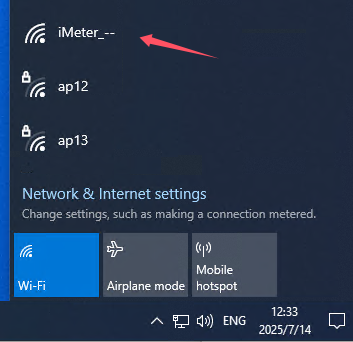
Thanks for your help. There is no AP named iMeter_.
But I got a mail from support<[email protected]> that they will send me another device with new firmware. So I like to wait for that and see if that is the solution.
Regards, Tim.
Hi,
I know the email we have sent.
As we take it for grangted that you met the same issue as this topic at that time.
But after our analysis
We found this bug will not be triggered easily ,these three case must happen together.
1 use http/tcp/mqtt, not cloud or standalone.
2 intput the prefix(such as http or mqtt) in address.
3 the domain name is greater than 20 bytes.
Only these theree cases happen together will trigger this fault. One or two happen will cause nothing wrong.
Please check whether your case is the same .
I am afraid we ignore the real problem.
Please let me know .
1 whether the run led still flashed every 1 second?
2 what is the run mode of this meter(cloud ,tcp, http,mqtt or standalone)?
3 Is there any extra settings on your meter(NEM,reactive, upload intervals etc..)?
Regards
Jason
1 whether the run led still flashed every 1 second? No.
2 what is the run mode of this meter(cloud ,tcp, http,mqtt or standalone)? I think http.
3 Is there any extra settings on your meter(NEM,reactive, upload intervals etc..)? No.
Please also let me know
1 do you remember how do you set the address control in http run mode?
2 Do you mean after you upgrade the firmware ,the device was brikced directly? no extra setting operating had been done, the device is bricked directly after upgrading, yes?
3 could you mind to give us a 10s video about the led status of your device, same like this https://www.transfernow.net/dl/20251225Gox4QwcV
1 do you remember how do you set the address control in http run mode? No
2 Do you mean after you upgrade the firmware ,the device was brikced directly? no extra setting operating had been done, the device is bricked directly after upgrading, yes? No. It was bricket when I was trying to set communication on MQQT.
3 could you mind to give us a 10s video about the led status of your device, same like this https://www.transfernow.net/dl/20251225Gox4QwcV
I don't know how to do that. The run LED is on with a short brake every about 10 sec. The WiFi LED flashes very short also every about 10 sec, but not at the same time as the RUN LED.
To make it more clear:
The WiFi LED flashes first, 1sec later the runLED has a short brake.
2 Do you mean after you upgrade the firmware ,the device was brikced directly? no extra setting operating had been done, the device is bricked directly after upgrading, yes? No. It was bricket when I was trying to set communication on MQQT.
Sorry, I need to confirm more. This replies seem to conflict with your replies before. You said you do not use mqtt in previous reply.
Pleaese let me know what is the real situation exactly?
If you have tried set the mqtt ,please also let me know what is the mqtt broker address(you can email us the broker address,not post it here).
We need the specific information do judge the real issue.
if possible ,please also give us a 20 seconds video , this is the key to confirm this issue.
I sent a video with WeTransfer to
support<[email protected]>
I don't know exactly what I did with MQQT.
Thanks for your video, but the video is too dark, could you please try to provide a video more clear?
we need to judge some information from the front panel to confirm the hardware version of the WEM3080T.

Thanks for your patience.
I send new video. At this video you can't see the the short weak pulse of the WiFi LED in advance of the interruption of the RUN LED.
It is clear now, we will reply to your email today.