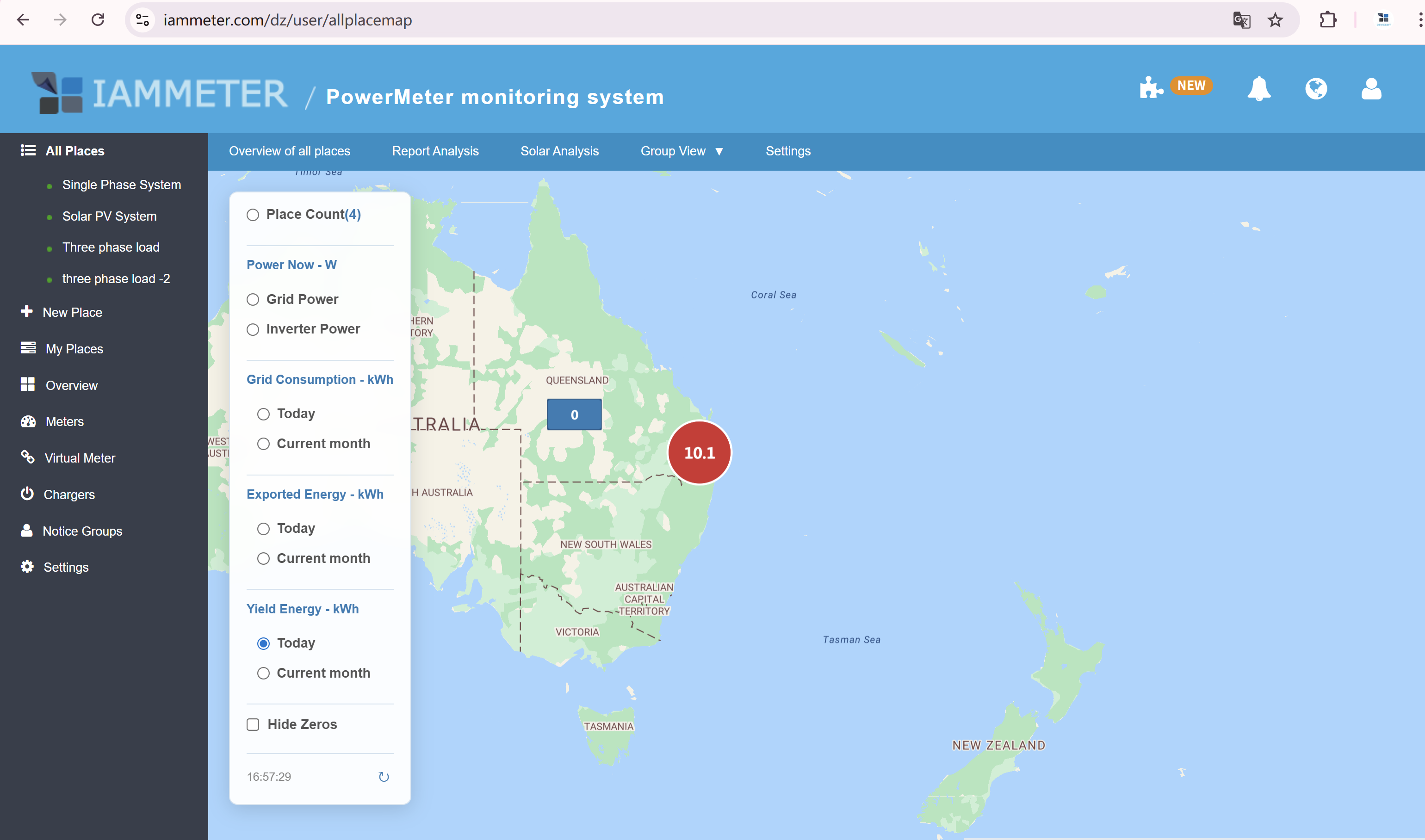
Test New Feature: Display Power on Map
If your IAMMETER-Cloud account contains multiple places, you are welcome to try this newly released test feature.
After logging in to your IAMMETER-Cloud account, please visit the link below:
👉 https://www.iammeter.com/dz/user/allplacemap
Feature Overview
-
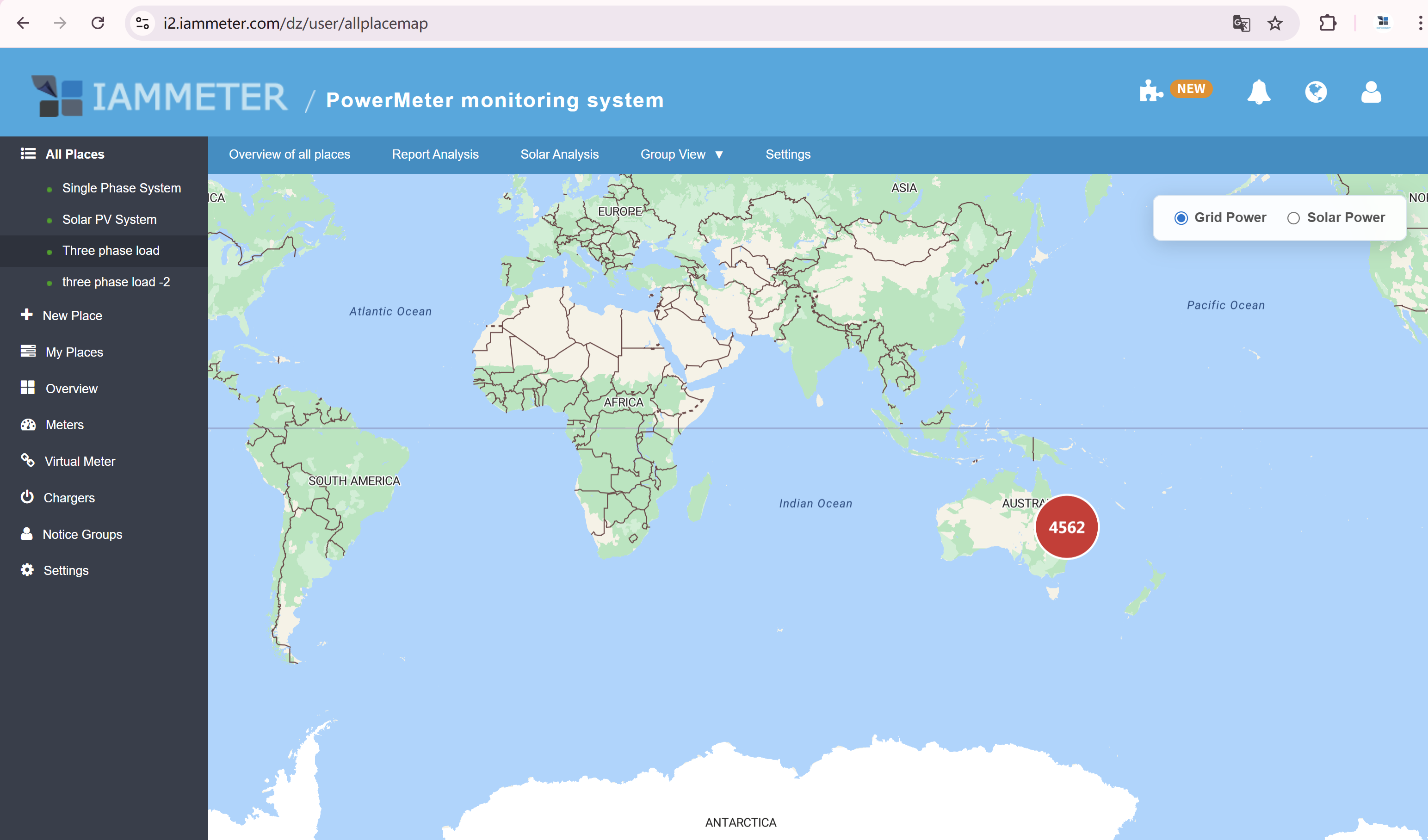
View the power data of all places in your account on one single map
-
Supported power types:
-
Grid Power
-
Solar Power
-
-
Power values are updated every 5 minutes
Map Interaction
-
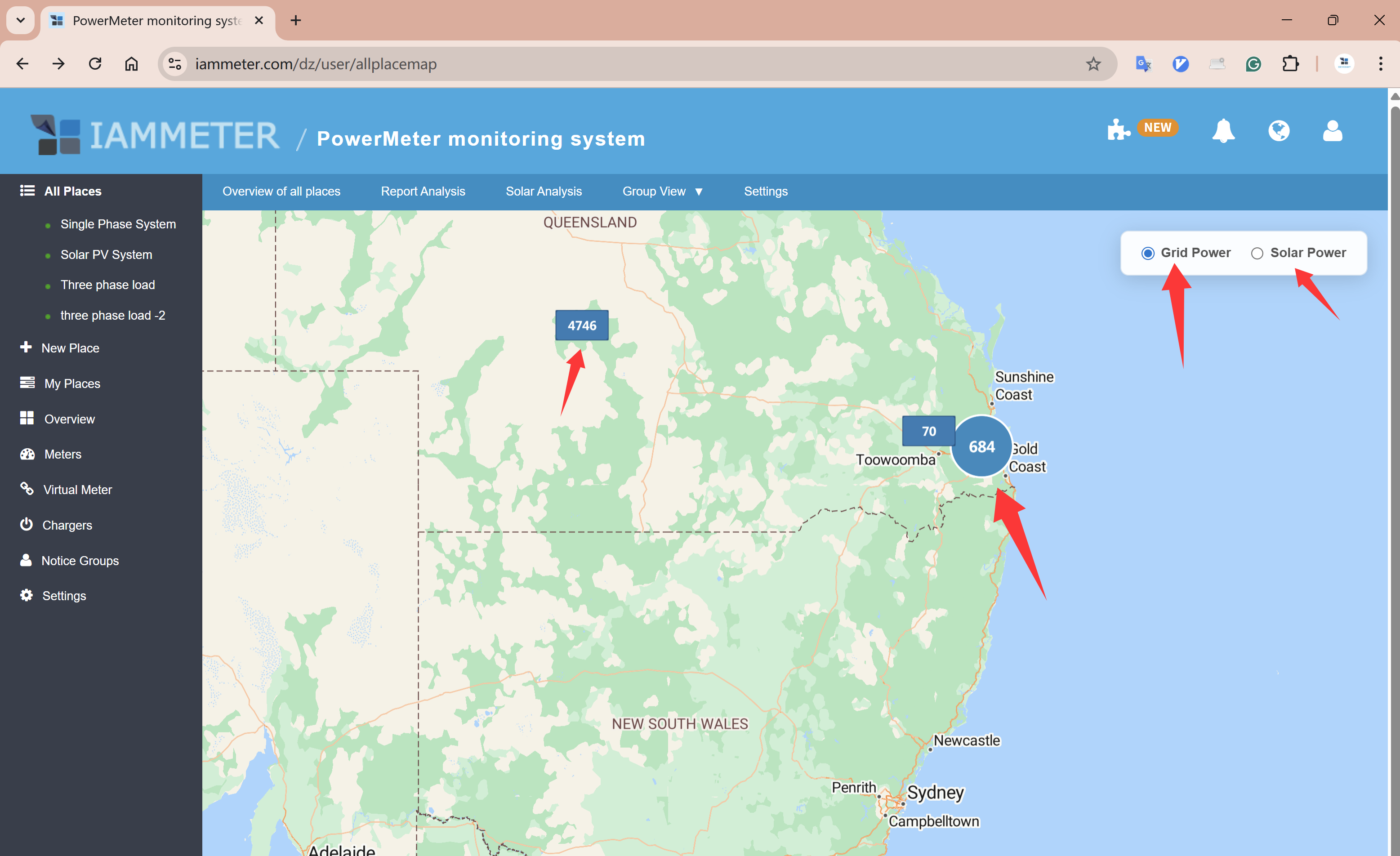
Zoom in using the mouse wheel:
-
Power values of nearby places will be automatically clustered
-
-
Zoom out:
-
Clustered values will separate into individual places
-
-
Display types:
-
Circular markers represent the aggregated power of multiple places
-
Square markers represent the power of a single place
-
Power Type and Place Settings
-
You can filter the map display by Grid Power or Solar Power
-
The definition of Grid Power / Solar Power is configured at:
Place → Edit Place → Type -
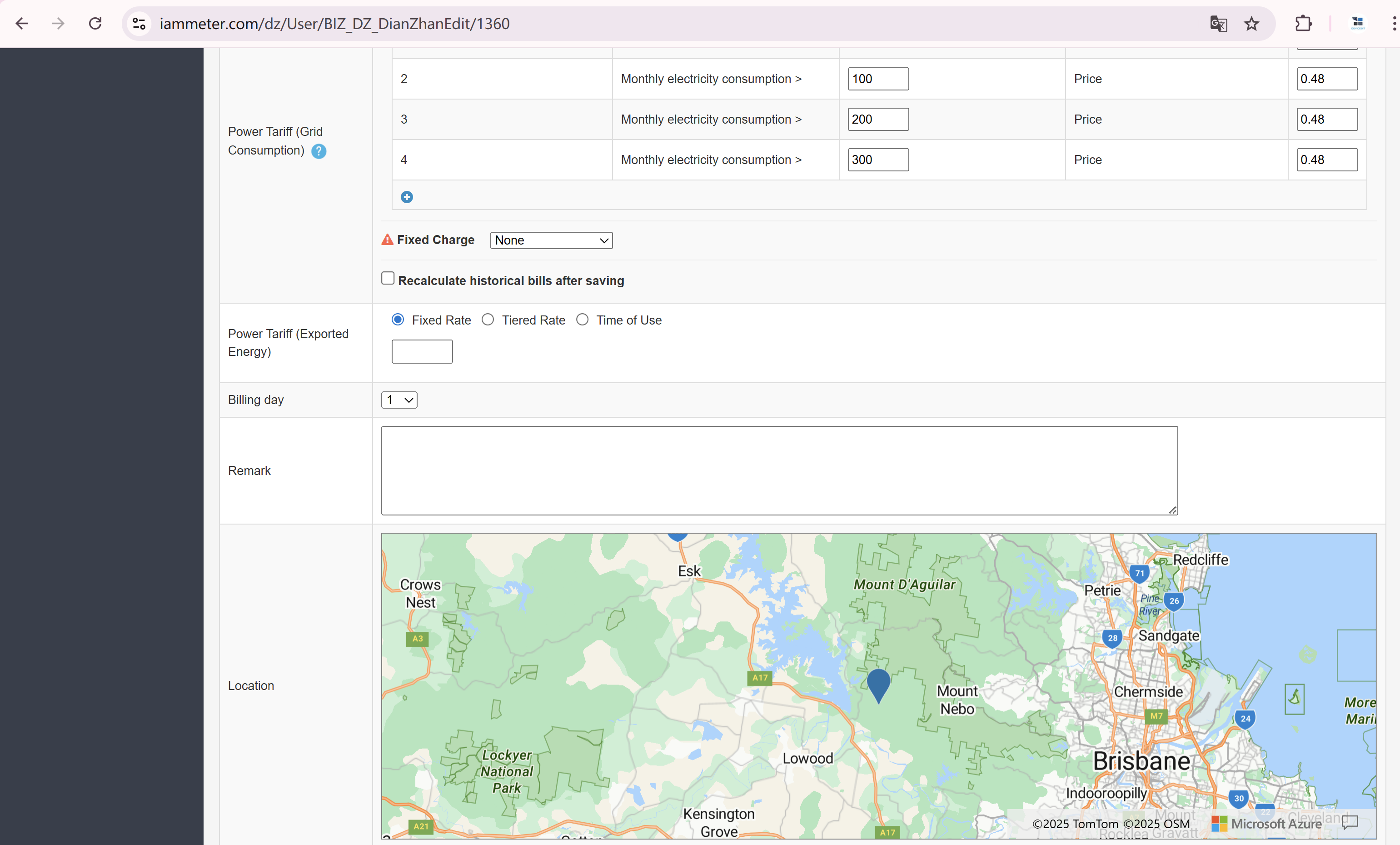
The location of each place is set at:
Place → Edit → Location
You can select the exact location by clicking directly on the map
About This Test Feature
IAMMETER regularly releases experimental features for user testing.
Whether this feature will become a permanent function depends on user feedback.
If you find this feature useful, please share your thoughts, suggestions, or use cases in the comments below.
Your feedback will directly influence whether this feature is officially released.
Besides power value, daily and monthly kwh value are also supported now.